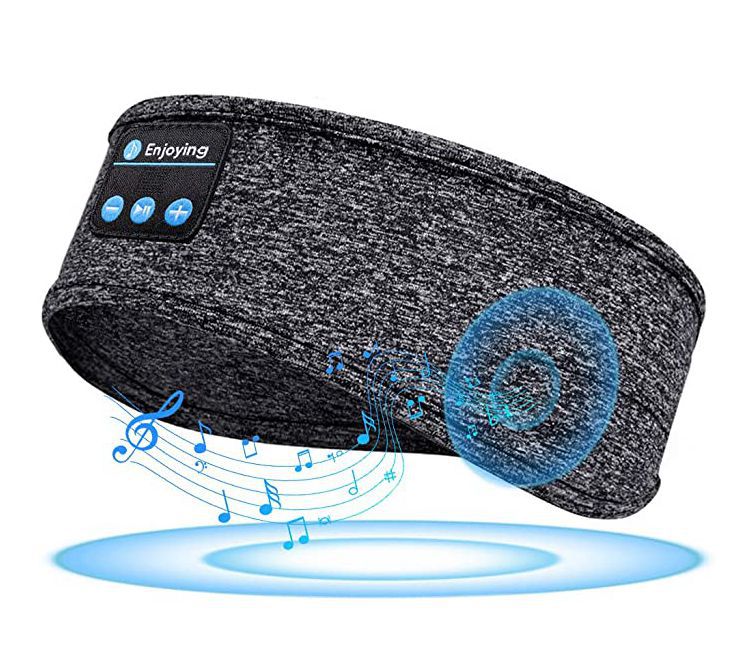
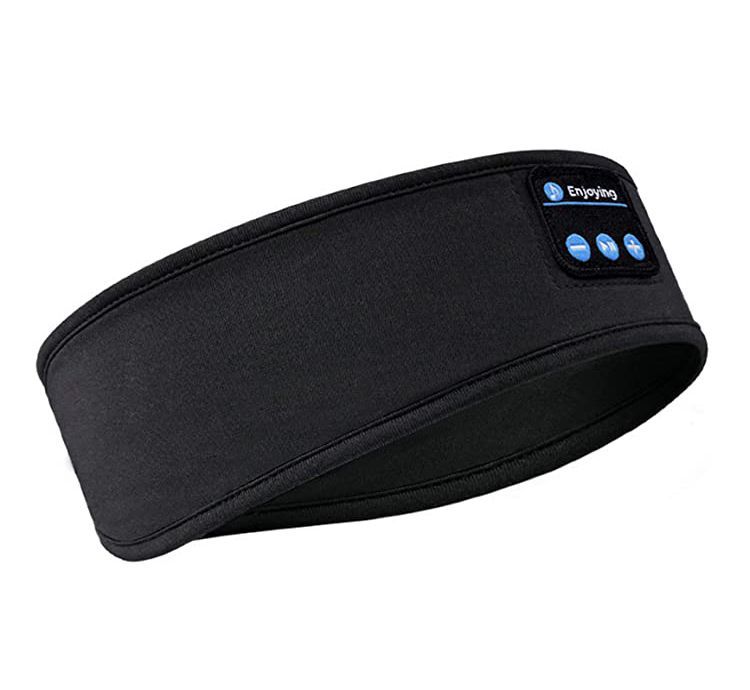
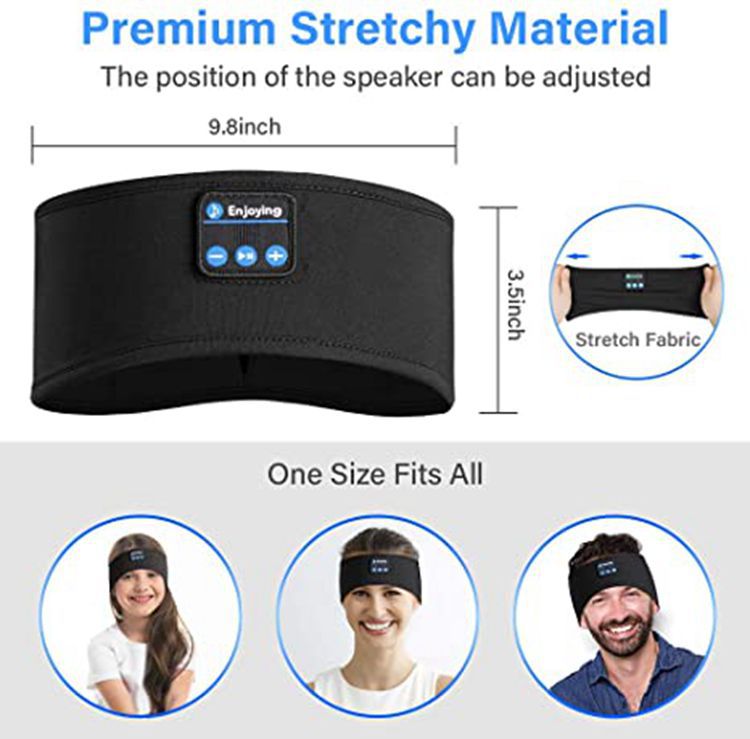
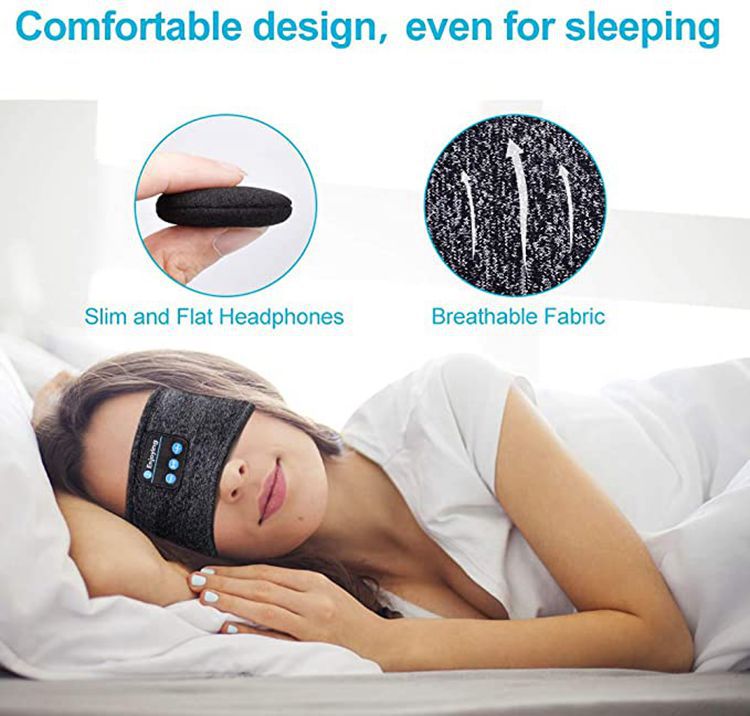
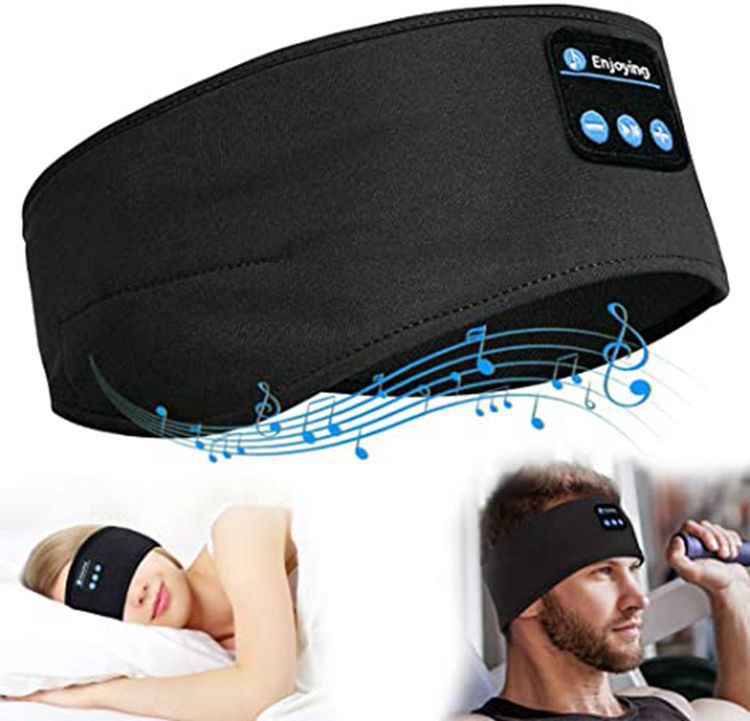
Bluetooth Music Sleep Eye Mask Headband Bluetooth Sports Headband Call Headband Yoga Headband
- Regular price
-
$35.00 - Sale price
-
$35.00
Couldn't load pickup availability




Product Details
Description
Headband material: polyester
Bluetooth hat technical parameters:
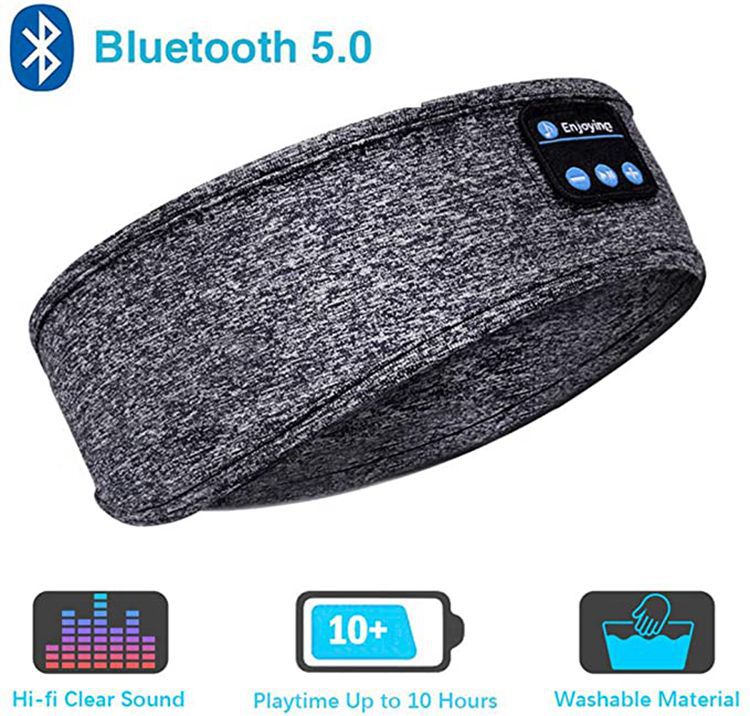
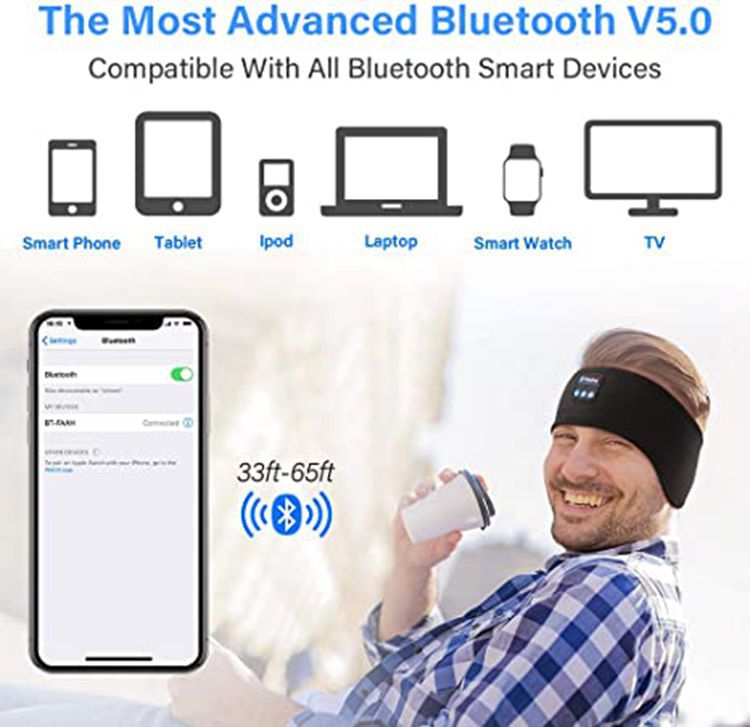
Bluetooth version: 5.0
Bluetooth pairing name: BT-03S
Bluetooth transmission distance: 10 meters
Headphone channel: Stereo (2.0)
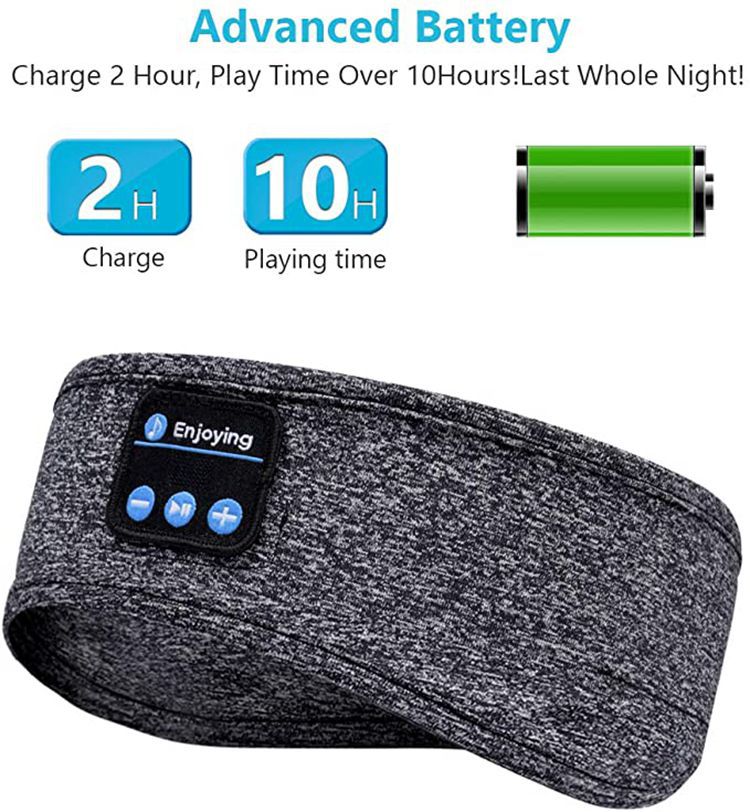
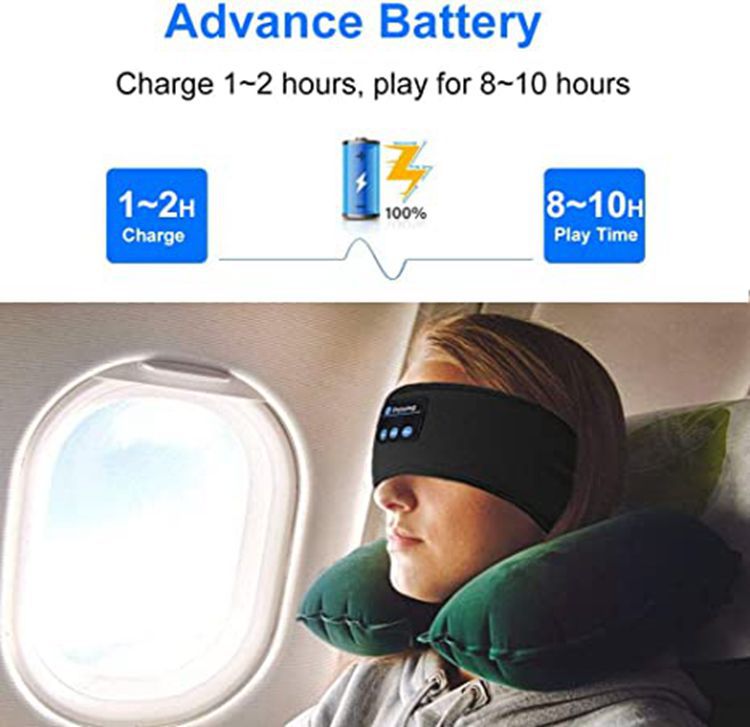
Music playback time: maximum sound 7H, medium volume 10 hours
Microphone distance: 1 meter
Bluetooth standby time: 72H
Battery capacity: 150ma/h
Battery power: 0.55W
Horn impedance: 32 ohms
Horn power: 0.02W
Frequency range: 2.4-2.4835GHz
Charging time: 1-2 hours
Maximum input voltage: DC 5V
Maximum input current: 150mah
Maximum input power: 0.55W
Function Introduction
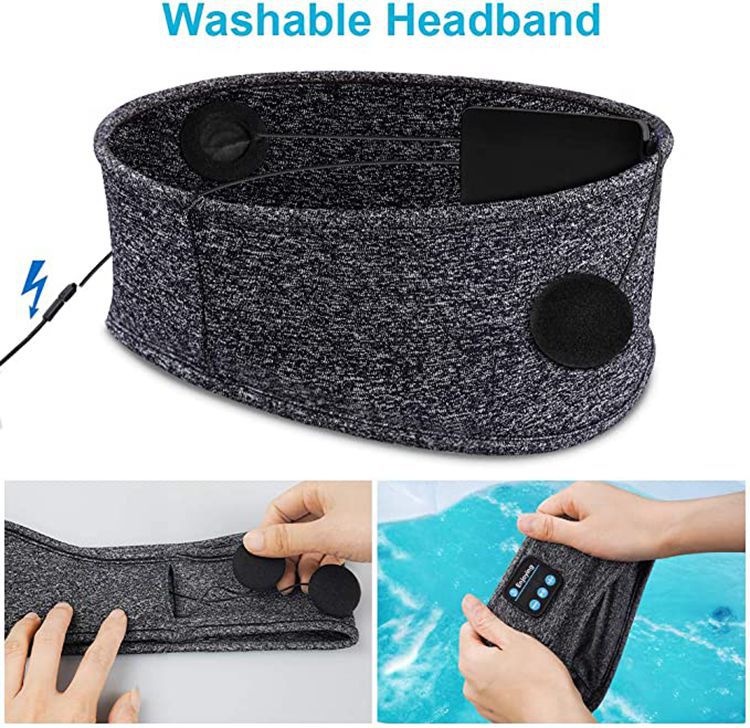
Insert the USB port of the micro into the earphones, and then connect the USB port of the USB data cable to the computer. At this time, the LED light will turn red. When the LED light turns blue, it indicates that the Bluetooth hat earphones are fully charged. Please unplug the data cable.
Power on
Press the power button for 2-3 seconds, and the Bluetooth earphone LED lights will flash alternately in red and blue.
Shutdown
When turned on, press the power button for 2-3 seconds. When the LED flashes red for 3 times, the red light goes off, and the Bluetooth earphones are turned off.
Bluetooth hat Bluetooth connection instructions:
Power on and Bluetooth connection
1. Press the power button for 2-3 seconds, and the LED lights will flash red and blue alternately. Turn on the Bluetooth phone and search for the Bluetooth name "BT-03S" to pair. If the pairing is successful, the blue LED will flash slowly. If you set the password, it will be "0000".
Auto pairing
After the first successful pairing, the next time Bluetooth earphones and phone Bluetooth are used, they will automatically connect without the need to search for connections again.
Pause and Play
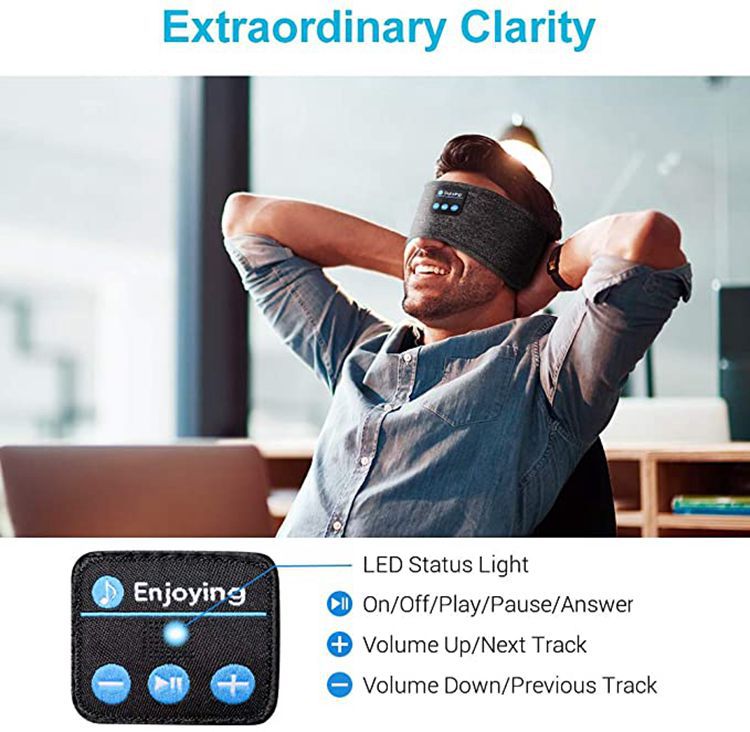
When playing music, pressing the power button once is the pause function, and pressing it again is the play function. When making a phone call, pressing the power button once is the answer function, and when making a phone call, pressing the power button once is the hang up function. When connected to the phone, pressing the power button twice is a replay function.
4. Long press the volume down "-" to decrease the volume, short press the volume down "-" to decrease the volume, it is the previous song.
5. Long press the "+" button to increase the volume, and short press the "+" button to increase the volume to the next song.